

How to Use an AI Beat Maker for Vocal-First Music Production
Building a beat around an existing vocal takes a different approach. Here's how AI beat makers fit into a vocal-first production workflow.
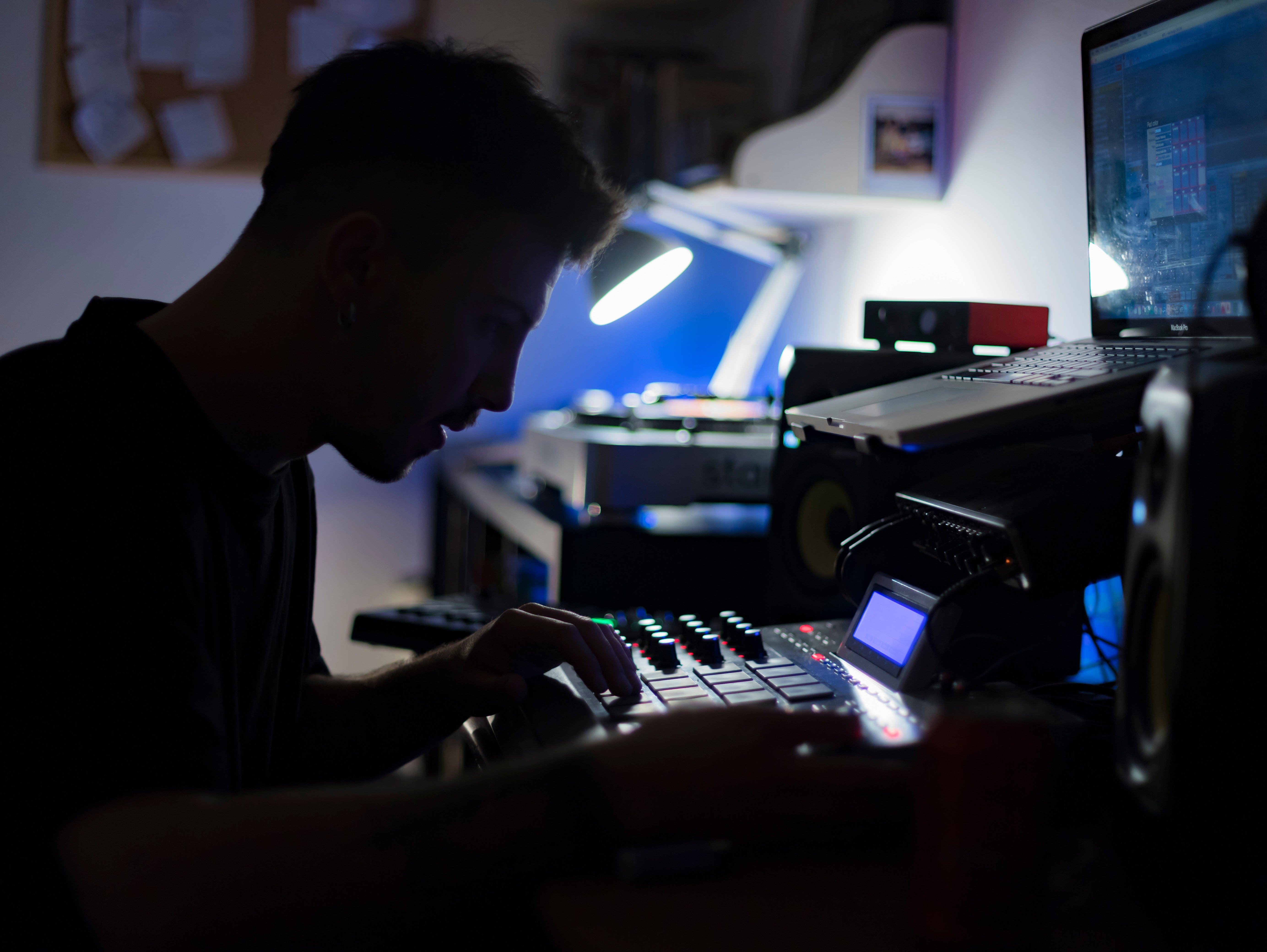
There's a certain kind of session that catches you off guard. You've got a vocal idea locked in, something with real character, and now you're staring at an empty arrangement and realizing the beat has to earn its place around what's already there. Pulling up your usual drum kits and synths and hoping something fits isn't really a workflow. It's a guess.
Building an instrumental around a vocal is a different skill than building one from scratch. The bed has to serve the performance, not compete with it.
Key Takeaways
A beat maker for vocals works differently than a standard beat generator: the instrumental has to serve an existing performance, not a hypothetical one
The most useful AI beat makers for vocal-first work offer BPM input, key matching, and stem export, not just a rendered MP3
Getting your voice conversion locked in before you build the bed changes every arrangement decision you make
Sparse arrangements almost always serve vocals better than dense ones; leave the mids open
What Is an AI Beat Maker?
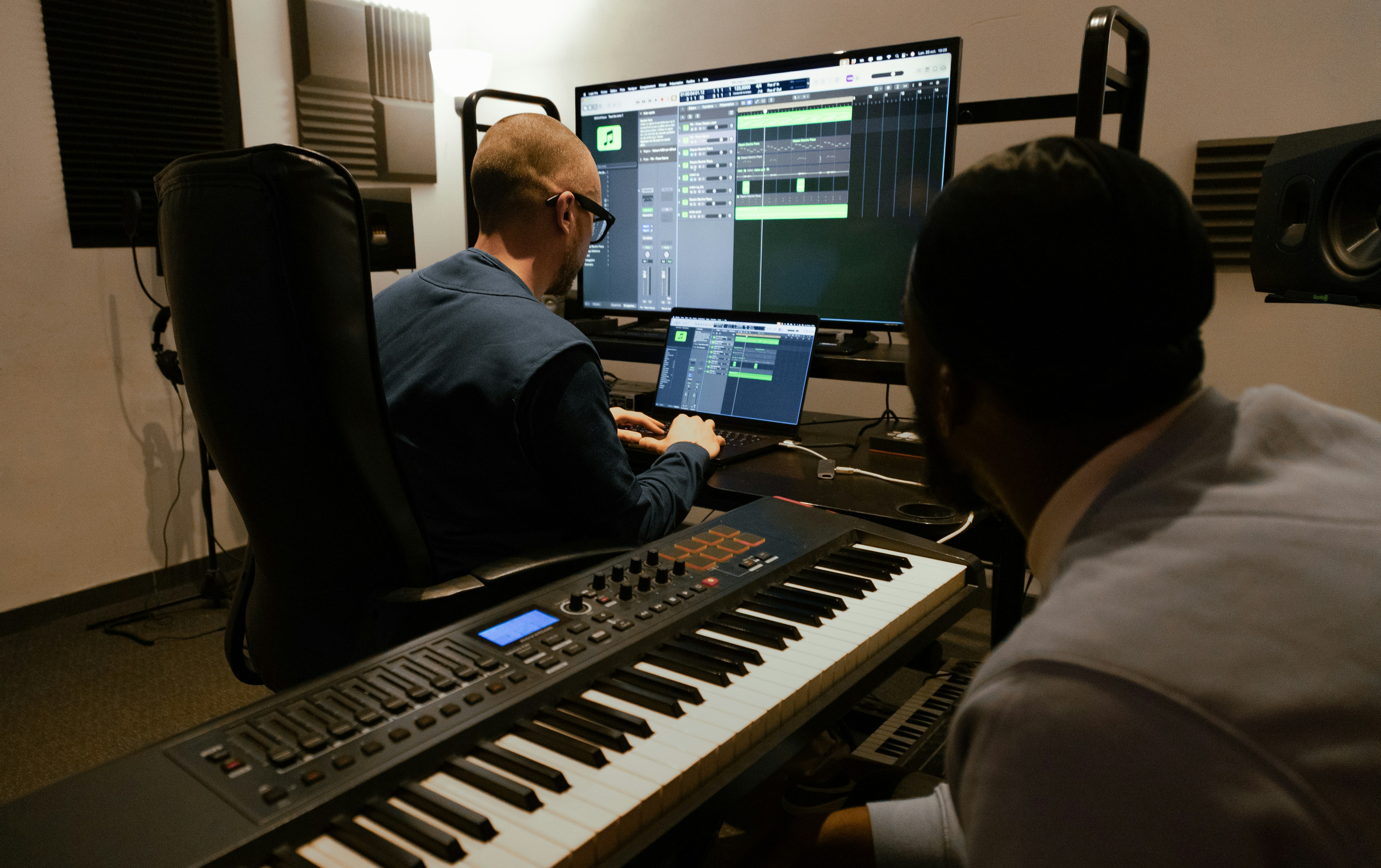
An AI beat maker uses machine learning to generate custom instrumentals from a text prompt or audio input, producing stems, arrangements, and full beds in seconds without requiring a DAW or music theory background.
Originally adopted by beginners and hobbyist music creators as a shortcut past the DAW learning curve, these tools have matured to the point where working producers and songwriters are using them for real sessions.
In practice, you pick a genre, set a mood, enter a BPM, and the tool generates a track. The better platforms (SOUNDRAW is probably the most producer-friendly right now) let you export individual stems and specify key and tempo upfront, which is non-negotiable if you're building around a vocal. Some tools also accept text prompts to dial in a vibe more specifically, which is useful when you know you want something between lo-fi hip hop and a dusty soul sample but can't quite put it into genre terms.
What separates useful AI beat makers from gimmicks for professional use comes down to a few things:
Stem export: you need individual stems you can pull into your DAW, not just a mixed-down file
DAW compatibility: WAV stems that drop into FL Studio, Ableton, Logic, or whatever your setup is, without conversion
Key and tempo input: if you can't lock the generator to your vocal's key, you're retuning everything manually
Commercial licensing: especially for client work; always check the terms before you deliver, particularly if the track is going to streaming platforms
The honest limitation: most AI beat makers generate for a generic listener. The arrangement choices — density, register, rhythmic feel — are decided by the AI based on genre and mood, not by the actual performance waiting in your session. That's your job.
What Is a Beat Maker for Vocals?
A beat maker for vocals isn't just any beat generator. It's a tool, and really a workflow mindset, built around making the instrumental fit an existing voice, not the other way around.
The distinction matters more than it sounds. Beat-first production means you're writing into empty space. Vocal-first production means every arrangement decision is constrained by something that already exists: a phrasing pattern, a dynamic range, a specific key. The reference point changes everything.
This is especially relevant for producers working with AI vocals and voice conversion. When you've converted a vocal into a specific voice model, you're working with a real performance that has character, weight, and frequency content that your bed needs to accommodate. Getting the instrumental right is what makes the output feel intentional rather than assembled.
Building a Beat Around a Vocal
Before you generate a single bar, spend a few minutes with the vocal.
Check the key. If you're working with a converted voice from Kits AI, you've got pitch correction built in, but you still want to know the tonal center before you pull up a beat maker. Enter that key into whatever tool you're using. Don't assume the generated output will land in the same place.
Check the tempo and phrasing density. A vocal with a lot of syllables per bar needs space in the rhythm section. A more melodic, drawn-out delivery can handle a busier bed. This is where musical experience and taste come into play.
Think about frequency space. The vocal lives in the mids. If your arrangement is stacking pads, leads, and plucks in the same range, you're just creating more competition for the vocal. Add reverb to elements carefully in this context; a washy pad that fills the midrange is one of the fastest ways to bury a vocal. A useful beat for a vocal-first session often sounds almost too sparse on its own. Let the vocal fill the space.
Arrangement density is the most common mistake in vocal-first music production. The instinct is to add more, but the right call is usually to strip back, especially in the upper mids where vocals carry most of their intelligibility.
Producer Tip: Think of the beat as a frame, not the painting. Its job is to define the space the vocal occupies, support the emotion of the performance, and get out of the way.
How AI Beat Makers Fit Into a Vocal-First Workflow
The clearest use case is fast ideation. When you have a vocal conversion locked in and you're deciding what kind of track it's going to become, an AI beat maker lets you audition five different directions in the time it would take to sketch one from scratch in your DAW. For a music maker juggling multiple projects, that speed changes how you develop musical ideas.
For demo production, AI beds are increasingly viable for client pitches. If you're sending a vocal direction demo to a client (not a final mix, just a direction), a well-chosen AI beat with a good converted vocal on top can communicate the vision clearly. Filmmakers and ad producers often just need to hear the vibe, and this workflow is fast enough to deliver that in the same session you wrote the topline.
Where AI beat makers are genuinely useful for vocal-first work:
Quick key and tempo matching: the better tools let you input parameters from your vocal before generating, so your AI beat starts in the right place
Stem export: pulling drums, bass, and melodic elements into the DAW separately so you can strip what competes with the vocal
Arrangement ideation: generating multiple genre or mood variations around the same BPM so you can choose a direction before building anything manually
Where they still fall short: the arrangement patterns AI generates tend to be predictable within a genre. The AI doesn't know your vocal has a specific melodic leap in bar three that will clash with the lead melody it just placed there.
There's no real-time feedback between the generated bed and your vocal. That gap is manual, and it always will be. Import the stems into your DAW, identify what competes with the vocal, and rebuild mix density from the bottom up. Think of it less like a finished bed and more like a remix starting point with good raw material.
Using Kits AI to Lock In the Vocal Before the Beat
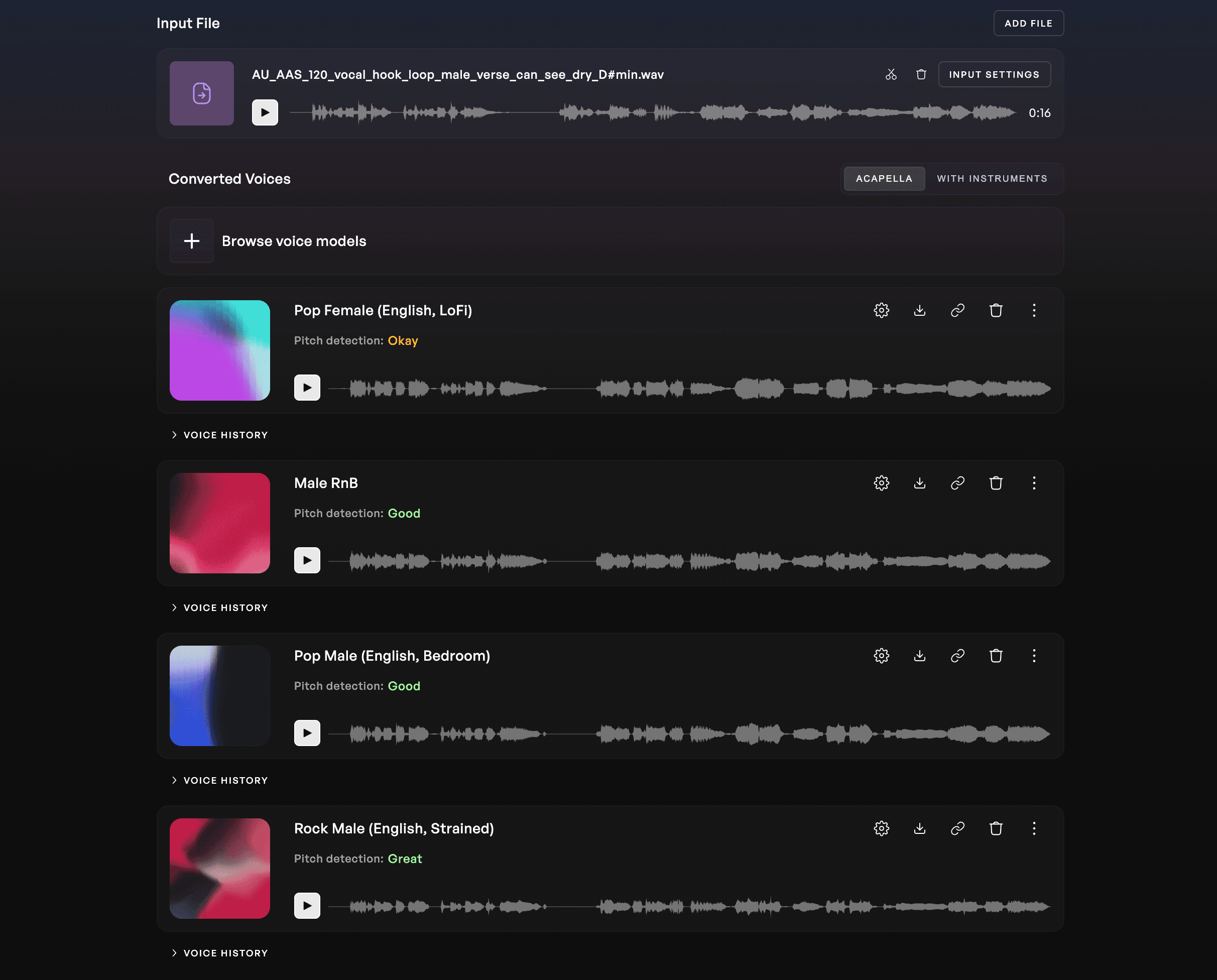
The vocal-first workflow starts before the beat. Deciding on the voice, the conversion, and the overall feel of the vocal is the foundation everything else is built on.
Voice Conversion is where this starts for most producers using Kits AI. You record or import a vocal, apply a voice model, and hear the conversion. Once you've got the voice locked—the specific model, the pitch correction setting, the overall tone—you're no longer working in the abstract. You have an actual performance with an actual frequency profile. That's what informs every bed decision down to which synths you reach for and how much space you give the low end.
Additionally, every voice model on Kits AI is ethically sourced, meaning that our models are artist-consented, royalty-free, and commercially cleared for use. For client work especially, that's worth knowing.
Stem Splitter is useful at this stage too. If your source vocal came from a reference track or a rough demo with music underneath it, you can isolate the vocal cleanly before you do anything with it. A clean vocal isolation tells you exactly what frequency range you're working with and how much space your bed needs to leave.
The Kits AI Stem Splitter also automatically tells you the key and BPM of the audio you’re working with, so you don’t have to use another tool to find that info before you enter it into the AI beat maker.
Once the bed and vocal are both where you want them, AI Mastering closes the gap between session and release. It's not a substitute for a proper mix, but for demos and client approvals it gets you to a listenable, balanced output quickly.
Build the Bed That Serves the Voice
The best beat for a vocal is the one built around it. AI beat makers have made generating options faster, but the tasteful decisions still belong to the producer. Knowing your vocal's key, understanding its frequency range, and making deliberate choices about arrangement and instrumental density are things no prompt can replace.
Start free with Kits AI — no credit card required.
FAQ
What do singers use to make beats?
Most vocalists working independently use a DAW like Logic, Ableton, or FL Studio combined with sample packs or loop libraries. AI beat makers are increasingly common as a starting point; they generate a bed quickly, which the vocalist or their producer then shapes around the performance.
How do you turn vocals into a beat?
The most common approach is stem separation: isolate the vocal from a reference, analyze its key and tempo, then build or generate an instrumental that fits it. Kits AI handles the stem separation step. An AI beat maker or your DAW handles the bed.
What do professional beat makers use?
Professional producers typically work in a DAW (Ableton, Logic, FL Studio) with a combination of hardware synthesizers, sample libraries, and AI tools for rapid ideation and mastering. The DAW remains the hub. AI tools slot in as accelerators at specific points in the workflow.
What is an AI beat maker?
An AI beat maker generates custom instrumentals from text prompts or audio input using machine learning. You describe the genre, mood, and BPM, and the AI produces a beat, often with stem export options for DAW integration.
Is AI beat maker free to use?
Most AI beat makers offer a free tier with limitations on export quality, downloads, or commercial rights. Some offer unlimited downloads on paid plans. For professional use, especially WAV stems and commercial licensing, a paid plan is usually required.
Can I use an AI beat maker for podcasts or videos?
Yes, and it's one of the strongest use cases for free-tier AI beat tools. For non-commercial content like podcasts and social video, most platforms allow use on their free plan. Always check the specific platform's terms before publishing.
What is the best beat making software for enhancing vocal tracks?
For building beds around a vocal, a stem-capable AI beat maker handles rapid ideation and a DAW handles final arrangement. For the vocal itself — conversion, isolation, mastering — Kits AI is purpose-built for that side of the workflow.
Justin is a Los Angeles based copywriter with over 16 years in the music industry, composing for hit TV shows and films, producing widely licensed tracks, and managing top music talent. He now creates compelling copy for brands and artists, and in his free time, enjoys painting, weightlifting, and playing soccer.