

Your lyrics. Your sound.
Start with your own words or use the Lyric Assistant. Describe the voice style and hear your lyrics sung with the Lead Vocal Generator.

The Lead Vocal Generator turns your lyrics into sung vocals. Describe your sound, add an optional melody or backing track, and build a lead vocal around your idea.
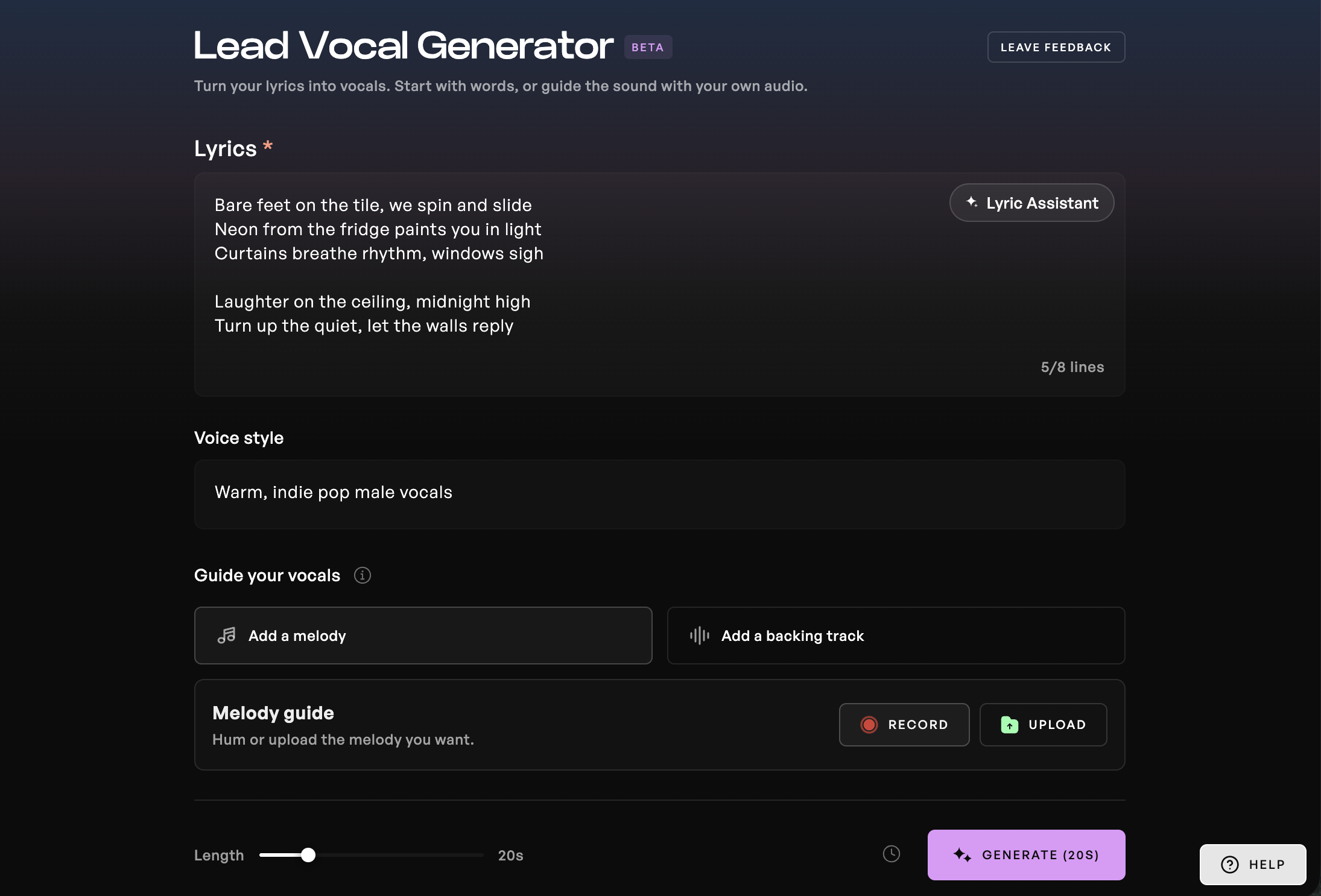
Start with your own words or use the Lyric Assistant. Describe the voice style and hear your lyrics sung with the Lead Vocal Generator.
Upload your instrumental to guide the vocal while keeping your original track intact. You can also hum or upload a melody to guide the performance.
Audition two takes, then download a vocal stem with a paid plan. Continue shaping the voice in Kits Studio or arrange and mix it in your DAW.

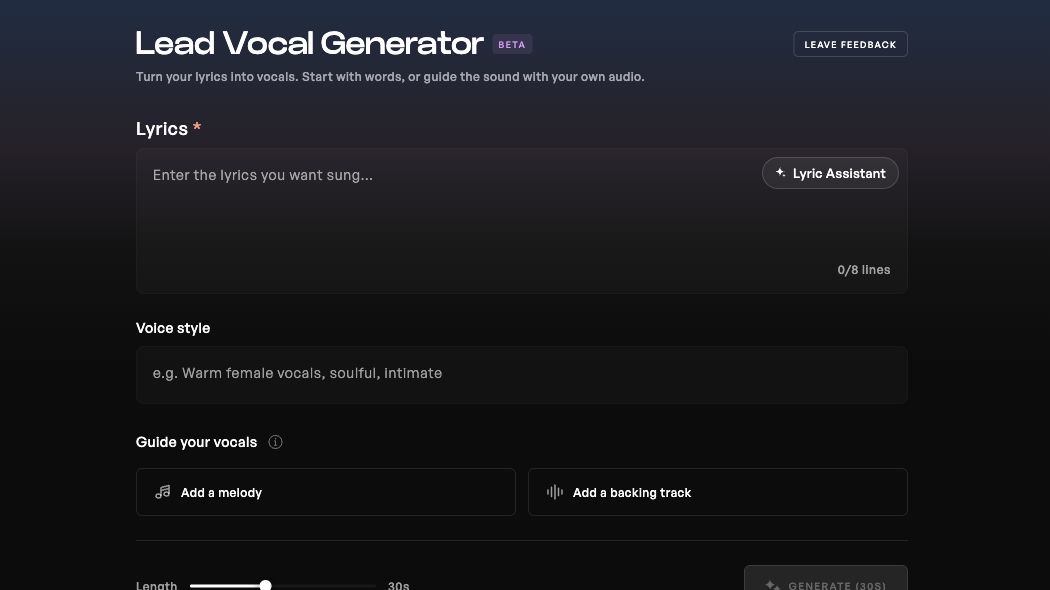
Open the Lead Vocal Generator in Kits. Enter your lyrics or start with the Lyric Assistant, then describe the voice style you want.
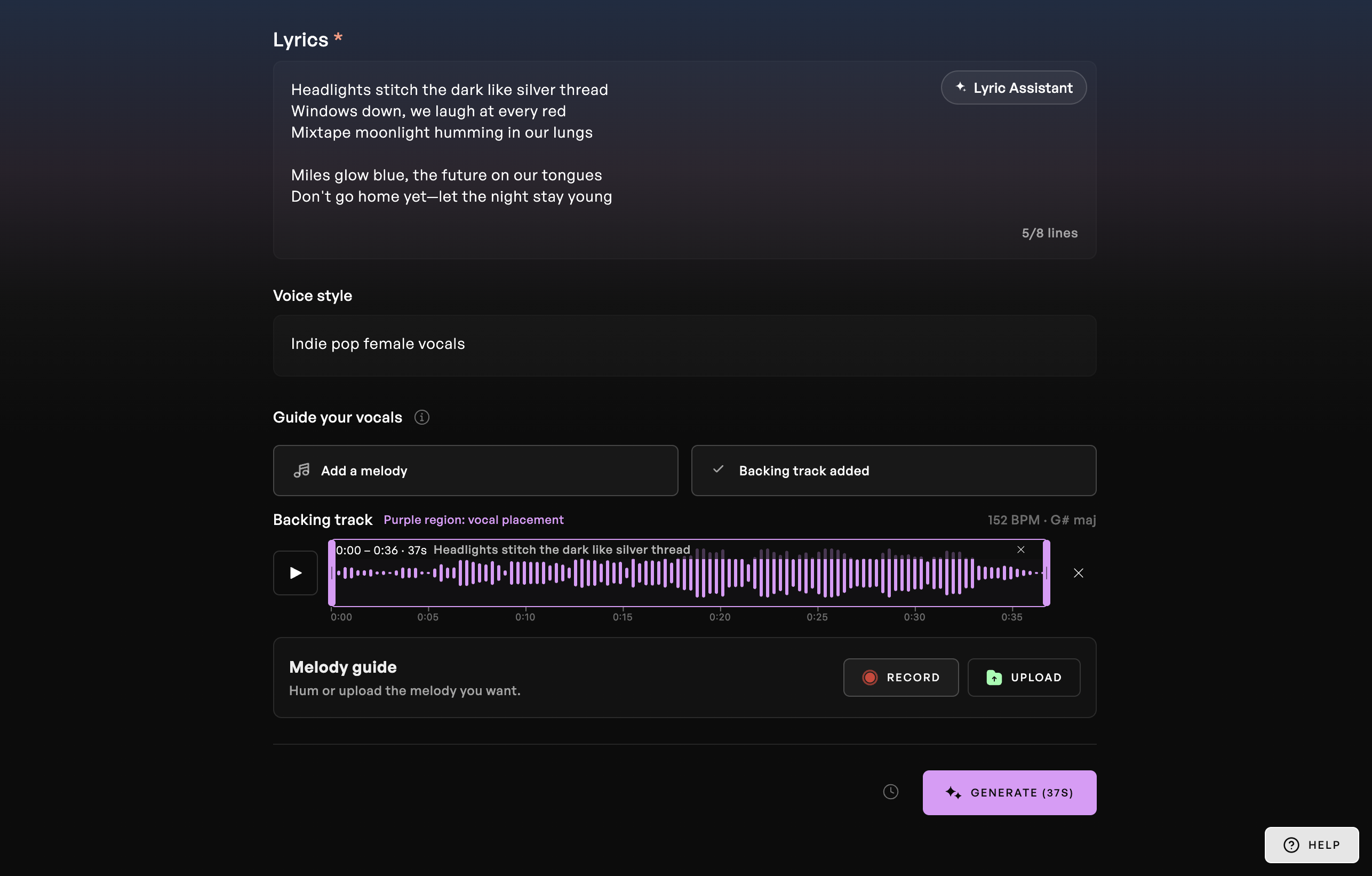
Add a backing track, or hum or upload a melody. These inputs are optional: you can also start with lyrics and a style description alone.
Set the length and generate two takes to audition. Choose your favorite, then download the vocal stem with a paid plan or continue in Kits Studio.
After generating a take, explore voice conversion in Kits Studio with the Kits voice library. These models are for changing a vocal’s sound, rather than selecting a voice inside the Lead Vocal Generator.
Try voices







































The Lead Vocal Generator turns your lyrics into sung vocals. Describe your sound, add an optional melody or backing track, and build a lead vocal around your idea.
Try Vocal Generator