Violin (Vintage)

Warm and inviting with a perfectly soft tone. Use as a background layer to add fullness and atmosphere to any production.

Warm and inviting with a perfectly soft tone. Use as a background layer to add fullness and atmosphere to any production.

Royalty-free Violin (Vintage) Vocals

All cleared audio using the Violin (Vintage) voice changer is royalty-free. Our models are trained with vocalist consent and compensation.

Optimal Vocal Range: F#3 - C#6

Optimal Vocal Range: F#3 - C#6

The Violin (Vintage) voice model features a high vocal range, best suited for creating violin vocals in the F#3 - C#6 pitch range.

Experiment with Violin Vocals & Spoken Audio

Create with the Violin (Vintage) AI voice changer for seamless vocals for your violin tracks.

How to use the Violin (Vintage) AI Singing Generator

How to use the Violin (Vintage) AI Singing Generator

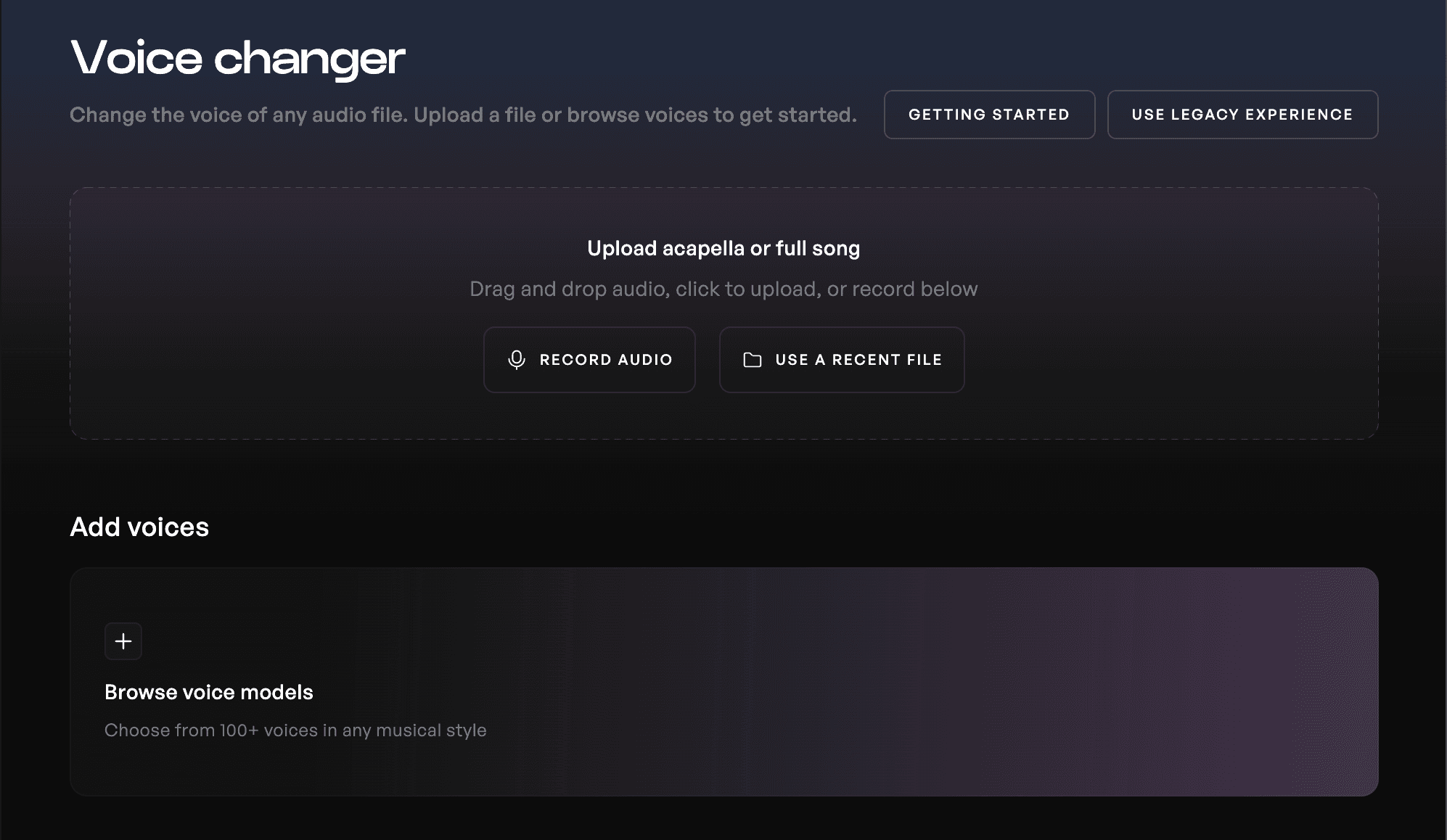
Open a Project in Kits Studio

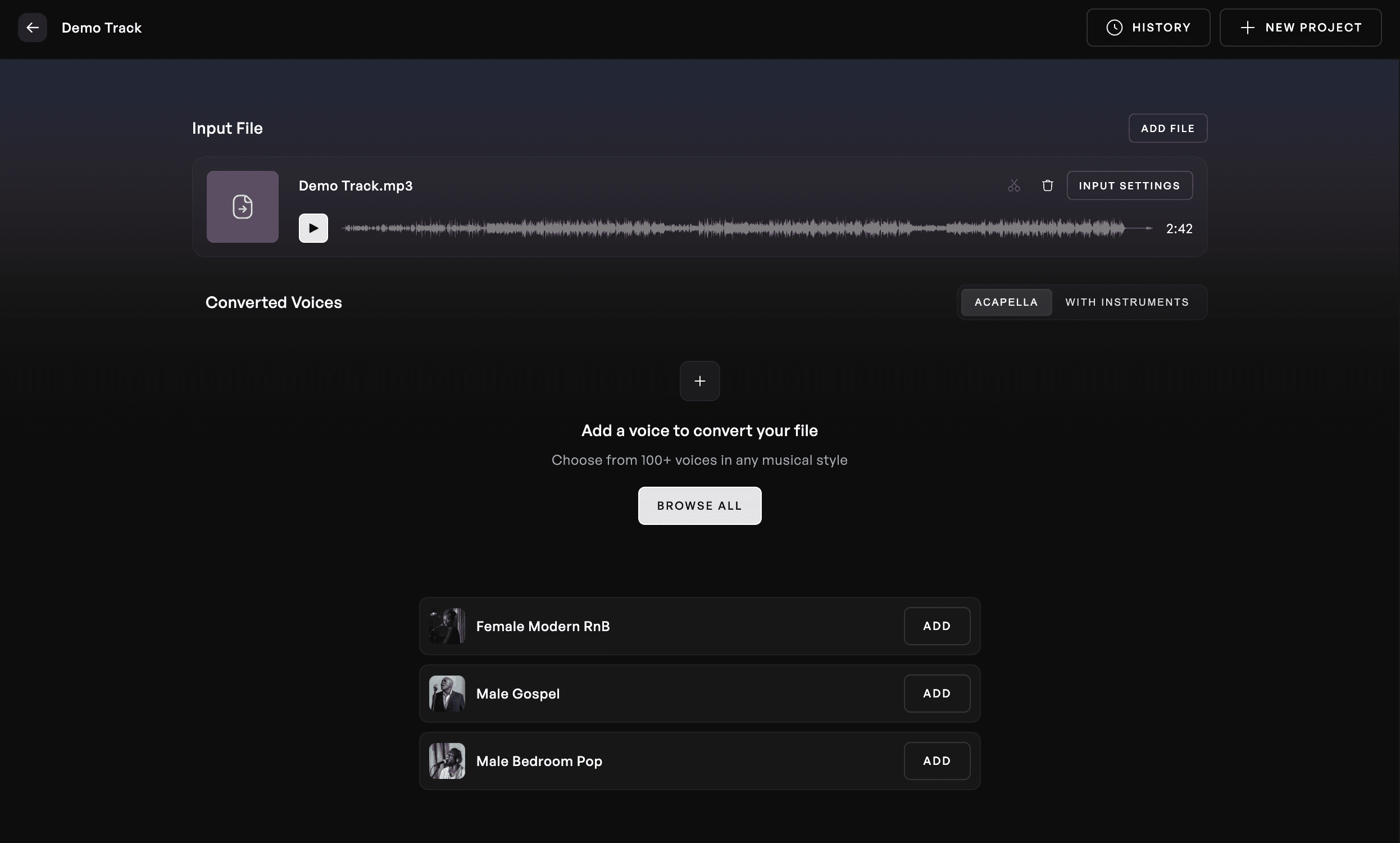
Navigate to a new Project in Kits Studio and upload an audio file

Locate the Violin (Vintage) AI singing generator

Use the gender, pitch range, and genre filters to locate the correct AI singing generator, or another voice for your music.

Listen to your voice change

Check out your new transformed vocal in the style of your selected voice. Choose to download your work anytime.


Backsplash for Kits.AI Feature GIF

Step 1

Open a Project in Kits Studio

Navigate to a new Project in Kits Studio and upload an audio file

Locate the Violin (Vintage) AI singing generator

Use the gender, pitch range, and genre filters to locate the correct AI singing generator, or another voice for your music.

Listen to your voice change

Check out your new transformed vocal in the style of your selected voice. Choose to download your work anytime.


Backsplash for Kits.AI Feature GIF

Step 1

Open a Project in Kits Studio

Navigate to a new Project in Kits Studio and upload an audio file

Locate the Violin (Vintage) AI singing generator

Use the gender, pitch range, and genre filters to locate the correct AI singing generator, or another voice for your music.

Listen to your voice change

Check out your new transformed vocal in the style of your selected voice. Choose to download your work anytime.


Backsplash for Kits.AI Feature GIF

Step 1

Explore the Kits AI Singing Generator Library

No matter the sound you're going for, Kits.AI's growing library of AI voice generators can meet your needs. Male or Female, Hip Hop or Electronic - we've got you covered.


Get started, free. No credit card required.

Our free plan lets you see how Kits can help streamline your vocal and audio workflow. When you are ready to take the next step, paid plans start at $14.99 / month.

Get started, free. No credit card required.

Our free plan lets you see how Kits can help streamline your vocal and audio workflow. When you are ready to take the next step, paid plans start at $14.99 / month.

Get started, free. No credit card required.

Our free plan lets you see how Kits can help streamline your vocal and audio workflow. When you are ready to take the next step, paid plans start at $14.99 / month.

Frequently Asked Questions

Is Kits AI’s Violin (Vintage) voice changer free to use?

Yes, you can transform vocals or spoken word with the Violin (Vintage) voice model on the free tier or try out the free trial to create a custom voice of your own.

Can I use vocals altered with the Violin (Vintage) in my tracks or commercial violin works?

Yes, voice changers hosted in the Kits voice library are royalty-free upholding Fairly Trained standards. All cleared audio converted with the Violin (Vintage) voice model are fully cleared for use in any work.

What kind of genres is the Violin (Vintage) voice changer best suited for?

Use the Violin (Vintage) voice to create violin vocals in the F#3 - C#6 pitch range or discover a different vocal style.

What kind of vocal range is the Violin (Vintage) voice changer suited for?

The Violin (Vintage) voice is best suited for high range vocals in the F#3 - C#6 key. Pitch your input vocals up and down directly in the Kits web experience to try it out, no processing required.