

How To Setup A Home Recording Studio For Music Production
A practical guide to setting up a home studio. Signal chain setup, acoustic treatment, monitoring, and how to get professional-sounding vocals without renting studio time
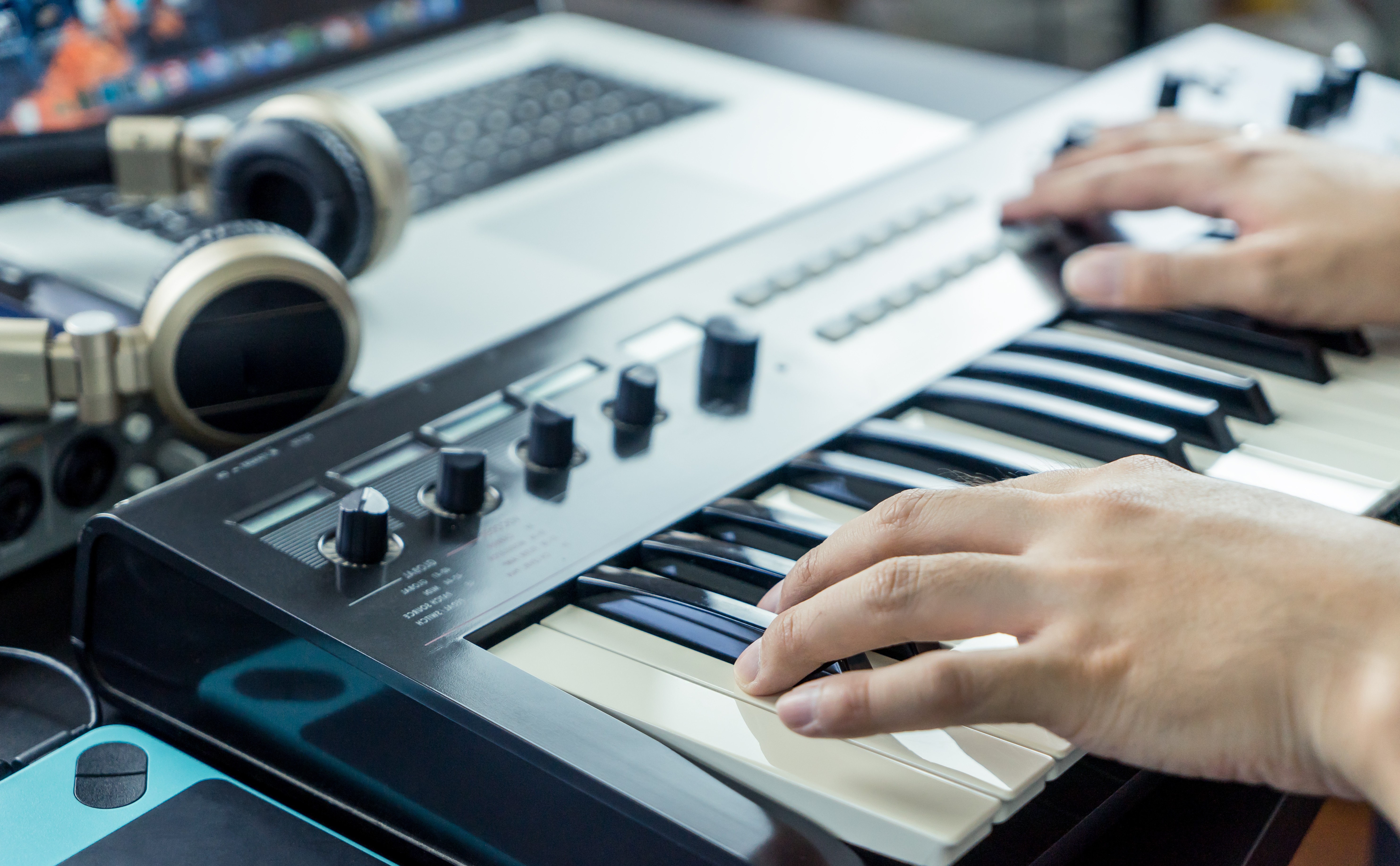
Recording at home has never been more accessible—but accessible doesn't automatically mean good. Most producers who struggle with their home recordings aren't dealing with a gear problem. They're dealing with an environment problem, a signal chain problem, or both. The fix usually costs less than you'd expect and makes a bigger difference than any plugin you could buy.
This guide covers everything that goes into building a home recording studio: the signal chain, monitoring, acoustic treatment, vocal recording, and what to do when a take isn't perfect. Whether you're a bedroom producer just getting your setup dialed in or a working composer trying to close the gap between home and studio quality, the fundamentals are the same.
Why Most Home Recordings Sound the Way They Do
Before you buy anything, it helps to understand what's actually causing the problem. Nine times out of ten, home recordings sound bad for one of two reasons: the room is working against you, or something in the signal chain is weak.
Rooms introduce reflections. When sound bounces off hard, parallel surfaces (bare walls, hardwood floors, low ceilings), those reflections get captured alongside the source. The result is a washed-out, roomy quality that's hard to remove in post and impossible to fully separate from the original signal once it's been recorded in.
The signal chain is the path audio travels from your source through your gear and into your DAW. Every link either maintains or degrades signal quality. A weak microphone into a noisy preamp still produces a weak recording, regardless of what comes after it. Knowing where the chain breaks down tells you where to spend money and where not to.
The Signal Chain
1. The Microphone
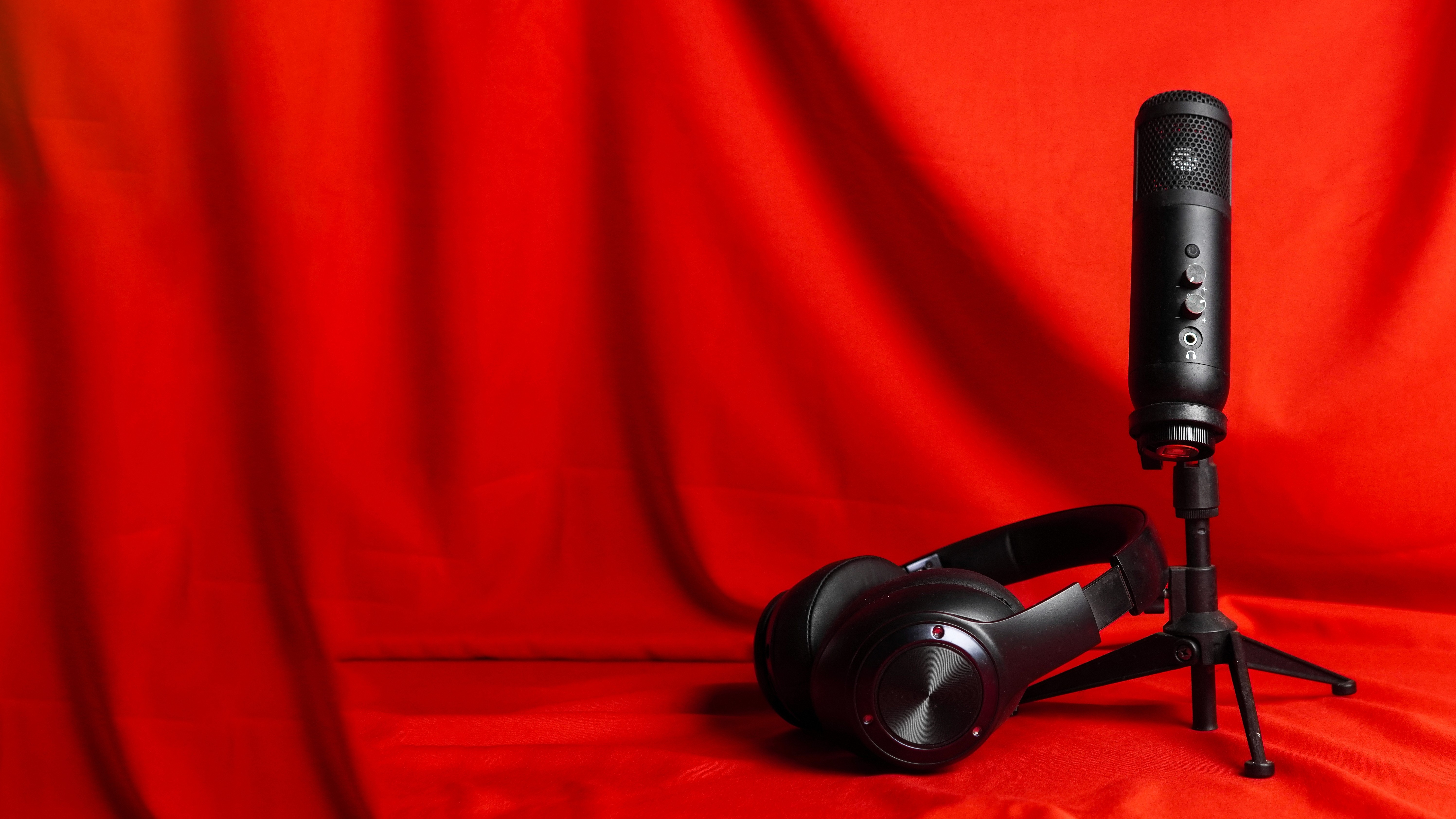
For studio vocal recording, a large-diaphragm condenser is the standard choice. Condenser microphones capture more detail and nuance than dynamic mics: the full frequency range of a voice, subtle breathiness, the space around a note. That sensitivity also means they pick up more room sound, which is why acoustic treatment matters so much when recording with one.
Dynamic mics are a legitimate choice for home studios that haven't been treated yet. They're less sensitive to room reflections and handle high SPL without issue. The Shure SM7B is popular for this reason. It's a dynamic that sounds like a condenser on the right voice and forgives a less-than-ideal room.
If you're going the condenser route, you don't need to spend four figures. The AKG C214 (around $250) is built on the same capsule platform as the AKG C414, one of the most respected studio condensers ever made, stripped down to a single cardioid pattern. It sounds clear, present, and accurate on most voice types. If your budget stretches further, the Neumann TLM 102 (~$700) is the entry point into that tier of microphone and earns the price.
One thing to avoid: USB mics with XLR connections daisy-chained through an adapter. The adapter doesn't improve the signal—it just adds a conversion step that introduces noise and often grounds out the phantom power your condenser needs. Pick one path. USB for a simple low-stakes setup, or XLR through a proper interface for anything you're serious about.
2. The Audio Interface
The interface converts your analog signal into digital audio, and the preamp inside it matters more than most people realize. A thin, high-noise preamp colors everything that goes through it in ways you usually can't fix later.
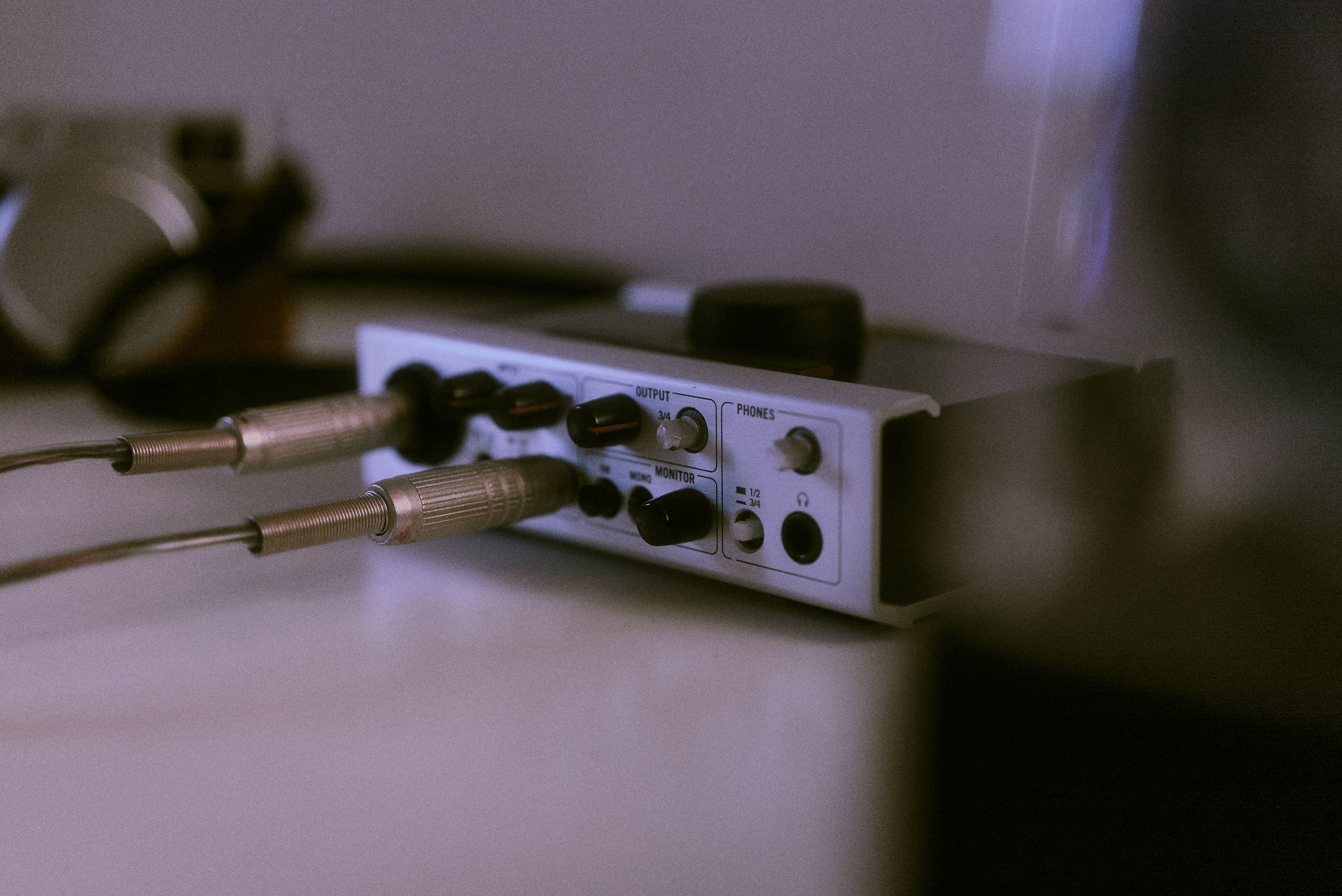
Budget interfaces have gotten genuinely excellent. The SSL 2+ MKII runs around $250 and delivers preamp quality that was reserved for much more expensive hardware not long ago. SSL, Apollo, MOTU, and Apogee all make sub-$300 interfaces with clean, transparent preamps and solid headphone outputs. The main specs to consider: input count, phantom power (required for condenser mics), and noise floor. For most home studio setups, a two-channel interface covers everything.
3. The DAW
FL Studio, Ableton, Logic, Pro Tools, Reaper: the differences matter less than you'd think for recording. All of them record, edit, and process audio. Pick the one that fits your workflow.
What matters more is your setup within the DAW. For tracking sessions, bring your buffer size down (64 or 128 samples) to reduce monitoring latency. Raise it back up when you're mixing to ease the CPU load.
Monitoring: What You Hear Is What You Mix
You can record clean audio into a great DAW and still make bad mixing decisions if you can't hear accurately.
Consumer speakers are designed to make music sound flattering, not accurate. They typically hype the low end and high end in ways that don't represent what's actually in the signal. Mix on those and what sounds balanced in your room will translate poorly everywhere else.
Studio monitors are designed to be flat and honest. The Yamaha HS5 and Adam Audio T5V are both well-regarded in the $200–250 range and widely used in home studios. Placement matters: position them at ear height, form an equilateral triangle with your listening position, and keep them away from walls. Low-frequency buildup from wall proximity skews your low end and leads to compensating in the wrong direction. Sweetwater's guide to fixing your room acoustics covers monitor placement and room correction in more detail.
Headphones are a valid alternative, and sometimes preferable in untreated rooms since they take the room out of the equation. Closed-back headphones (Sony MDR-7506, Beyerdynamic DT 770) are standard for tracking because they minimize bleed. Open-back headphones (Sennheiser HD 600) give a more accurate stereo image for mixing but let sound in and out, which isn't ideal when a mic is live. Most producers use both, plus a pair of consumer earbuds as a final reference before calling a mix done.
Treating Your Home Studio Space
Room treatment is the highest-return investment most home producers aren't making. Even modest treatment changes what a room does to your recording and monitoring more than most gear upgrades will.
It's worth remembering what's been made in untreated and makeshift spaces. Kevin Parker recorded the early Tame Impala albums in a rented room in a Perth share house using a Boss 16-track—minimal treatment, improvised setup, but Grammy-nom results.
Finneas produced Billie Eilish's debut album, including "Bad Guy," in his bedroom in Highland Park, Los Angeles, with Billie recording most of her vocals just sitting on his bed. Finneas later described the room's sound as "very tight and intimate and closed and quiet.” So, not treated, just controlled by its size and contents. Remember, the room doesn't have to be perfect. It just has to be controlled enough that you're making decisions based on what's in the recording, not what the walls are adding to it.
Two types of treatment matter most:
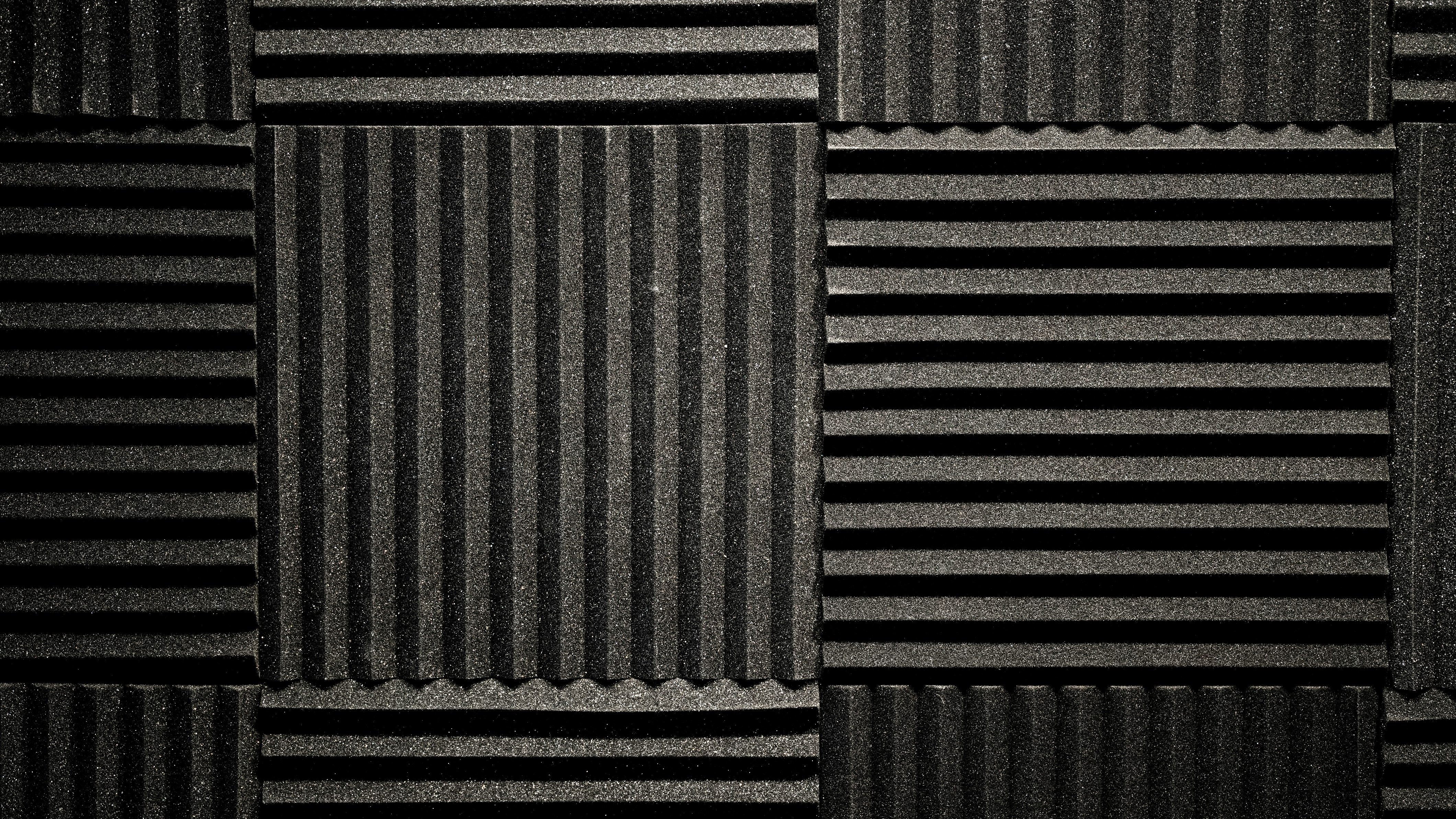
Absorption reduces reflections. Acoustic foam, thick fabric panels, moving blankets, and heavy curtains all absorb sound rather than reflecting it back. Strategic placement behind and beside the recording position, behind your monitors, and at the first reflection points on the side walls makes the most difference.
Bass traps absorb low-frequency energy that builds up in room corners. Untreated rooms almost always have uneven bass response, with certain frequencies louder at your mix position than they actually are. Floor-to-ceiling bass traps in the corners even that out considerably.
For vocal recording specifically, the closet trick still works. Recording in a walk-in closet surrounded by hanging clothes is one of the most effective budget solutions available. The clothes act as broadband absorbers. If a dedicated space isn't feasible, a reflection filter mounted on the mic stand or a blanket draped around the recording position both meaningfully reduce room sound on the source.
The Vocal Recording Setup
Good gear in a treated room still produces bad takes if the fundamentals of the recording session are off.
Mic placement affects the character of the recording as much as the microphone itself. For most voices, start six to twelve inches from the capsule, slightly off-axis, aimed at the bridge of the nose rather than directly at the mouth. Closer placement increases proximity effect (low-frequency boost), which can add warmth or muddiness depending on the voice. Moving back picks up more room. Find the distance that captures the voice clearly without exaggerating its problem frequencies.
A pop filter two to three inches in front of the mic is non-negotiable. Plosives (the air bursts from B, P, and D sounds) cause low-frequency spikes that are hard to remove cleanly in post.
For recording levels, aim for peaks around -12 to -6 dBFS. Clipped audio is permanently distorted and unrecoverable, so record conservatively.
Warm up before tracking. A few minutes of scales or humming makes an audible difference. And a committed, imperfect take is almost always more usable than a technically clean one with flat delivery.
Hardware compressors and EQs in the vocal chain used to be standard. They're largely unnecessary now. In-the-box options are excellent and give you more flexibility since nothing gets baked into the recording. Record clean and shape in the mix.
When the Recording Isn't Perfect
Even in a well-treated room, recordings pick up noise: a neighbor's HVAC, a refrigerator hum, a car during the best take. Or the recording came from somewhere less controlled: a voice memo when an idea hit, a rough take in an untreated room. These are the recordings where AI cleanup tools earn their place.
Kits AI's Vocal Repair tool is trained on low-quality vocal recordings: phone mics, noisy rooms, laptop mics, low-bitrate audio with baked-in compression artifacts. It restores clarity, regenerates high-frequency content that cheap mics lose, and removes background noise. It won't fix a flat performance, but for recovering a rough take or cleaning up a voice memo that has an idea worth keeping, drop in the file, preview the before and after, and download the cleaned version.
YouTube: New Feature: Fix Bad Quality Vocals with Kits AI Vocal Repair posted by Kits AI
Once you have a clean vocal, Pitch Editing in Kits Studio corrects tuning without the metallic artifacting from basic pitch-shifting. It re-synthesizes the take rather than warping the audio. And the Harmony Generator builds background vocal and harmony layers from your existing vocal track without additional recording sessions.
Producer Tip: Run rough voice memo takes through Vocal Repair before deciding whether a performance is worth keeping. A lot of good ideas get discarded because the audio quality reads as unprofessional, not because the performance itself is weak.
Putting It Together
A functional home recording studio doesn't require a specific budget or a dedicated room. It requires knowing what each part of the chain does and making informed decisions about where to invest.
The order of priority for most setups: treat the room first, or record in the most controlled space you have. Get the signal chain right: interface, mic, cables. Set up monitoring you trust. Then focus on the take itself: placement, warmup, recording level, performance.
When the foundation is solid, post-processing is faster and the results hold up. When it isn't, no amount of cleanup fully compensates. The producers who improve fastest aren't the ones with the best gear—they're the ones who stopped blaming the gear and started understanding the room.
If you have a rough take worth saving, try Kits AI Vocal Repair free. Upload, preview, download. No setup required.
Justin is a Los Angeles based copywriter with over 16 years in the music industry, composing for hit TV shows and films, producing widely licensed tracks, and managing top music talent. He now creates compelling copy for brands and artists, and in his free time, enjoys painting, weightlifting, and playing soccer.